QR Menu for Restaurants in Lebanon
Create a digital menu your guests can scan, browse and order from.
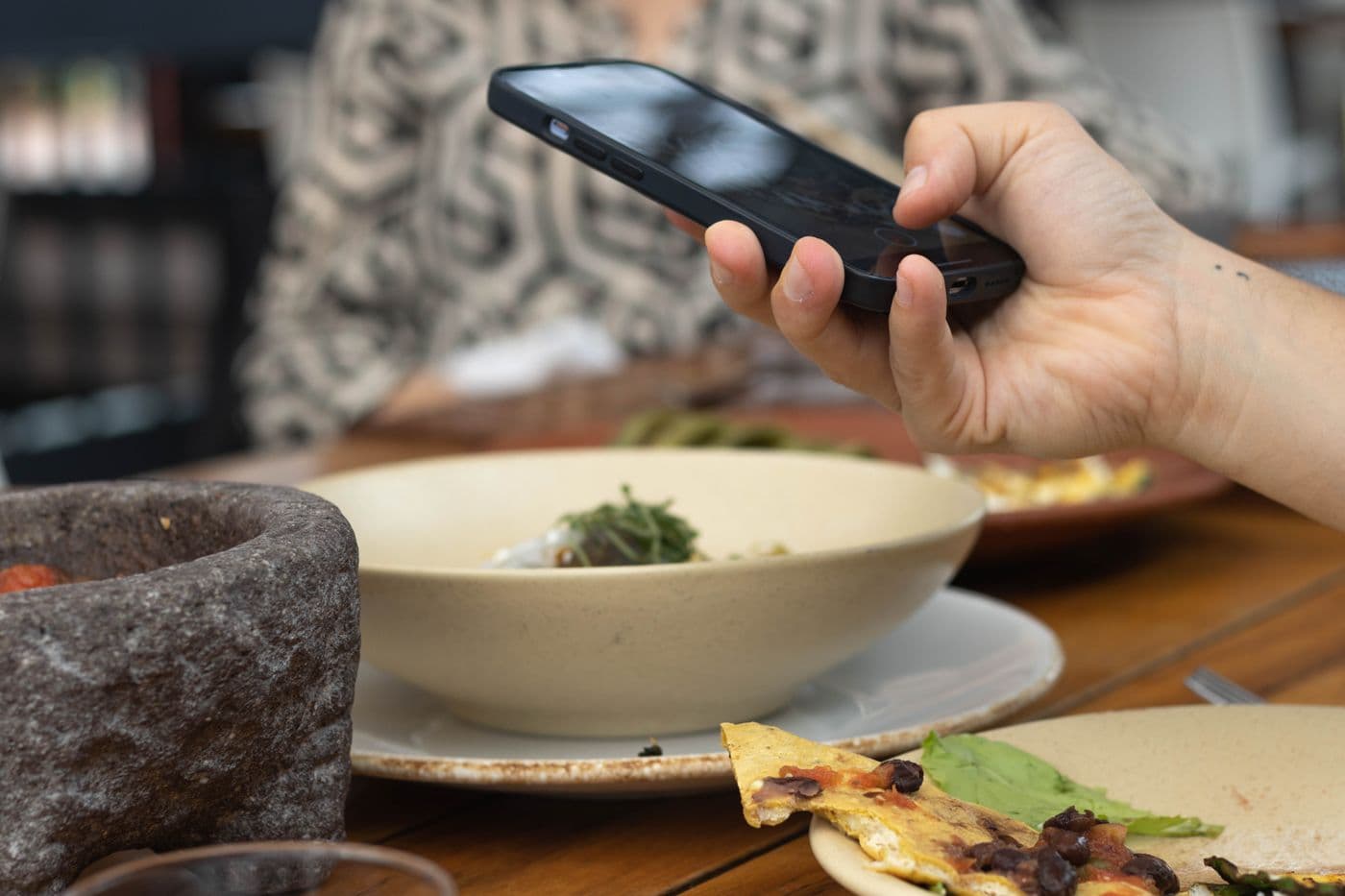
From the table to your order board
Publish your menu
Add dishes, photos and prices, and offer an Arabic or English menu. Guests open it in their browser without installing an app.
Give each table its own QR
Use one QR code for browsing or a table-specific code when you want orders to identify the table. Update the menu without reprinting the codes.
Choose how guests order
Keep the menu view-only, enable dine-in ordering, or take delivery requests through WhatsApp, depending on your plan and settings.
Before you get started
- Can I update the menu without printing a new QR code?
- Yes. If you keep the same menu link, edits to dishes, prices and photos appear at that link. You only need to replace a printed code if its destination changes.
- Do I need a different QR code for every table?
- Not for a view-only menu. Use one code for browsing, or enable table-specific QR codes if you want orders to include the table number.
- Can guests order through WhatsApp without ordering from the table?
- Yes, when WhatsApp delivery ordering is enabled. You can offer it without enabling dine-in ordering. Guests send their cart to your WhatsApp number, and your team confirms the order.